SOLVED: MacOS - No Off Option Under Configure IPv6
· One min read

Previous day, all of a sudden my client's development site was not accessible. I was getting a no access error page returned by CloudFlare. When checked with colleagues, IPv6 was the blocker in my MacBook. As a solution, I had to turn OFF IPv6 on my Mac.
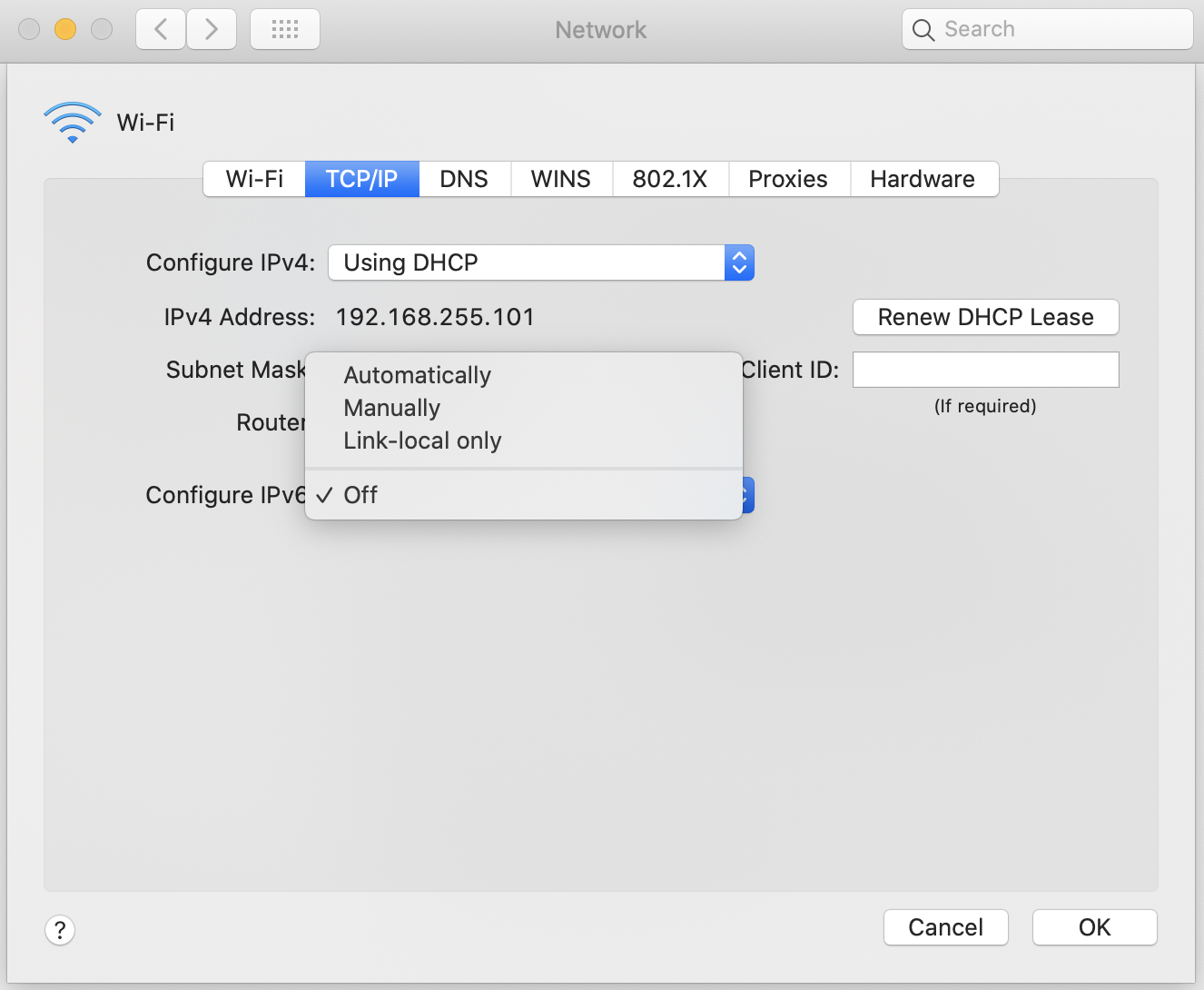
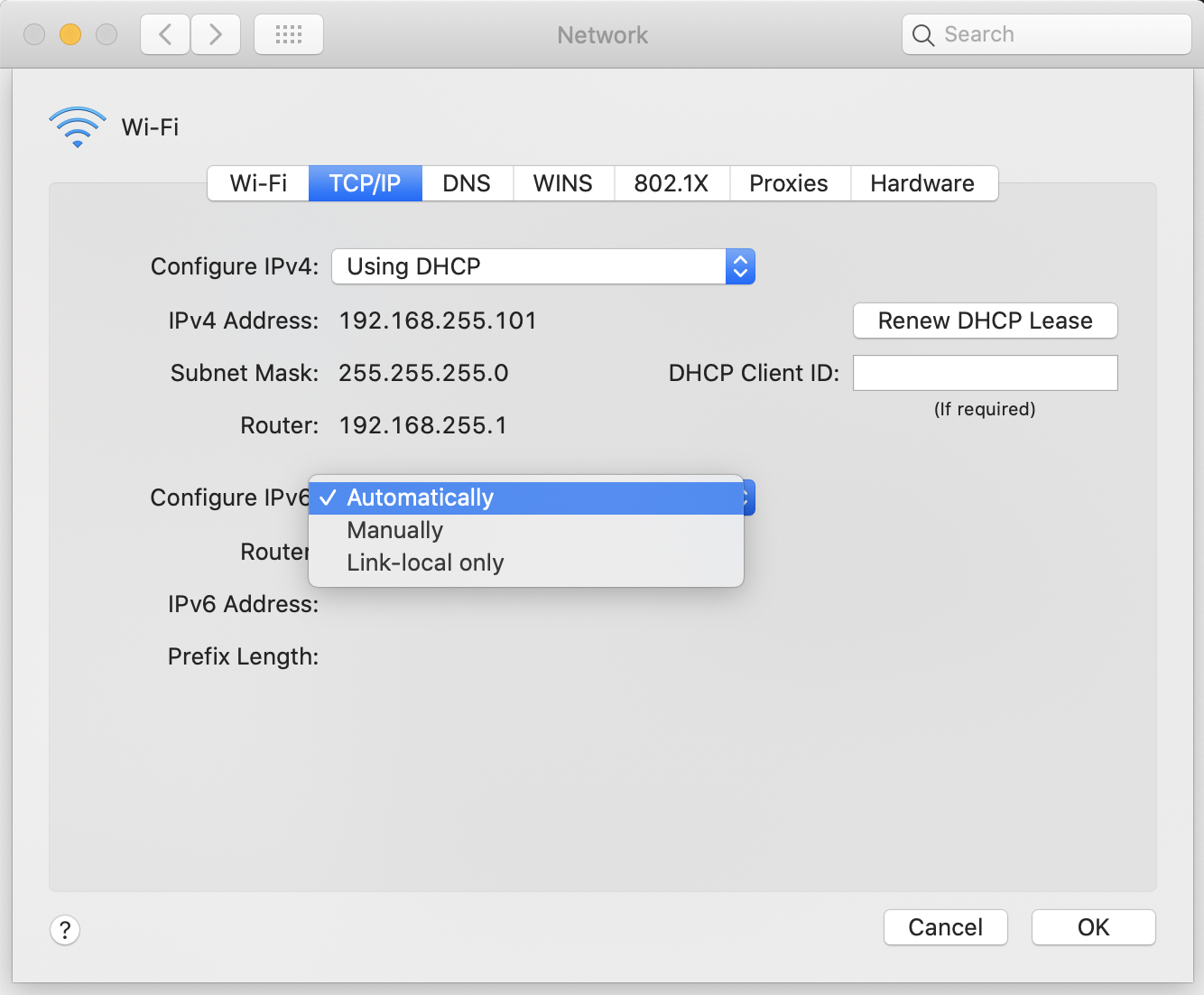
I took System Preferences > Network. There I clicked on Advanced option of Wi-Fi. Then under TCP/IP, I could see Configure IPv6 option. The problem is, there was no Off option.
networksetup Command
Then the following solution worked for me. I opened the terminal and ran the following command.
networksetup -setv6off Wi-Fi
It turned OFF my IPv6 and then I could see the Off option in the dropdown.