TypeScript Support in Next.js
· One min read

A Next.js project can be easily setup using create-next-app command.
npx create-next-app@latest
But the project created using above command does not support TypeScript. If we want to add TypeScript support, we need to manually add TypeScript related configuration to the project.
There is an easier technique. The create-next-app command accepts flags. Passing a --typescript flag setup a Next.js project with TypeScript support.
npx create-next-app@latest --typescript
After setting up, if we open the project, we can see TypeScript specific changes.
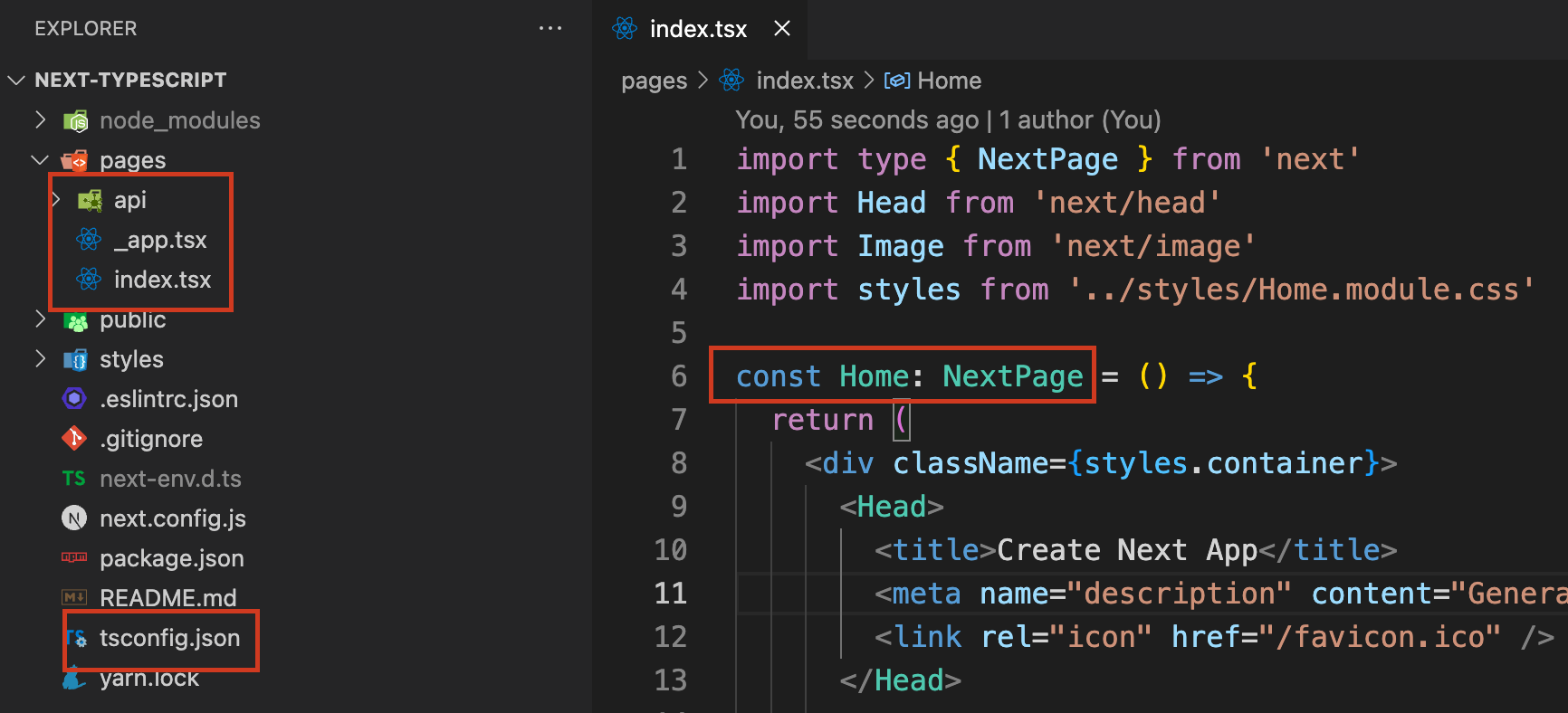
As we can see, there is a tsconfig.json file in the project root folder. All the page files are in .tsx extension. We can also see the type information inside the page file.